 vs
vs 
Figma vs Framer: Design Tools or Site Builders?
Figma serves as a comprehensive design and prototyping canvas with extensive collaboration and AI features, while Framer focuses on turning designs into production-ready websites with built-in hosting and CMS. Choose Figma if you need a centralized workspace for complex design workflows and cross-functional teamwork. Pick Framer if you want an all-in-one platform to publish, optimize, and manage live sites without leaving the editor.
Last verified against both official websites on October 27, 2026
Figma
Figma is a full-stack creative canvas for design, prototyping, and building products, featuring AI-native capabilities and collaboration tools.
Choose Figma if you are building detailed prototypes, managing team design systems, or need deep integration with development tools.
Official site Indie alternatives to Figma
Framer
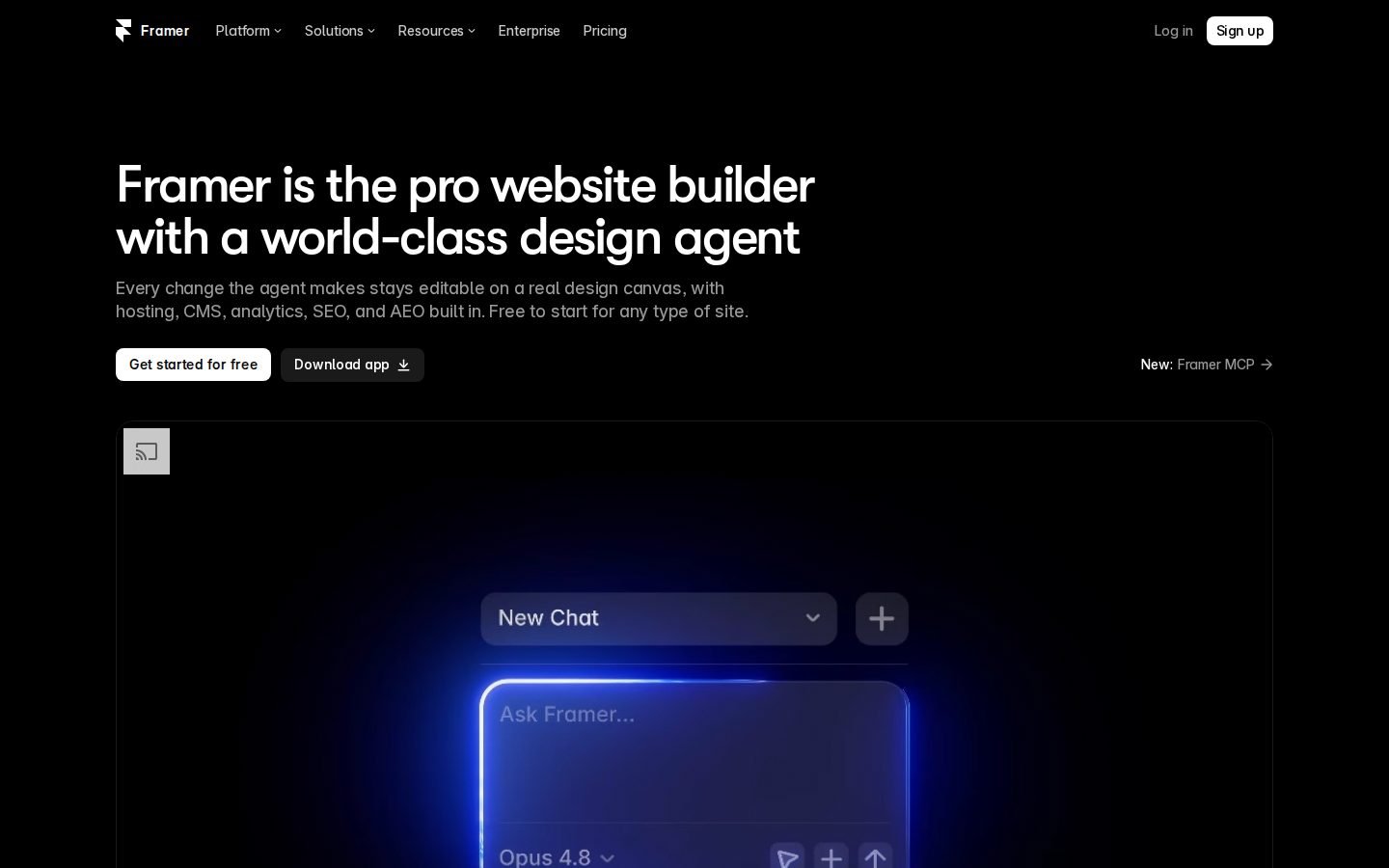
Framer is a professional website builder featuring an AI design agent, CMS, hosting, analytics, SEO, and AEO capabilities.
Choose Framer if you need to quickly launch optimized websites with built-in hosting, CMS, and SEO tools without managing external infrastructure.
Official site Indie alternatives to Framer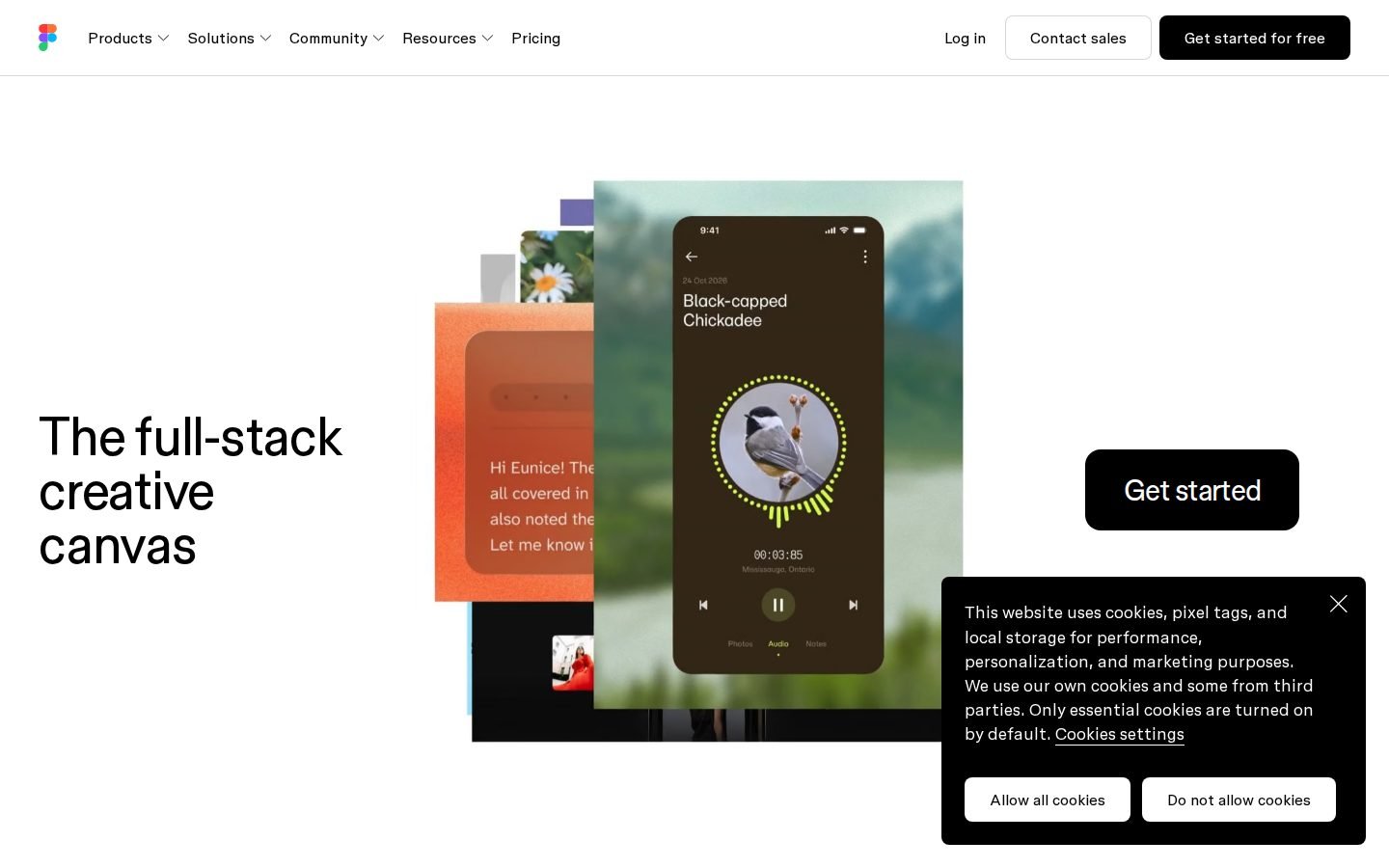
Figma vs Framer pricing
| Figma | Framer | |
|---|---|---|
| Free plan | Yes | Yes |
| Free trial | Not listed | Not listed |
| Plans |
Starter
Free
Free limited access to Figma products. Includes unlimited drafts, UI kits and templates, 150 AI credits/day, up to 500 AI credits/mo.
Professional
$16/mo
Full seat: €16/mo + 3,000 AI credits/mo. Dev seat: €12/mo + 500 AI credits/mo. Collab seat: €3/mo + 500 AI credits/mo.
Organization
$55/mo (billed annually)
Full seat: €55/mo + 3,500 AI credits/mo. Dev seat: €25/mo + 500 AI credits/mo. Collab seat: €5/mo + 500 AI credits/mo. Billed annually.
Enterprise
$90/mo (billed annually)
Full seat: €90/mo + 4,250 AI credits/mo. Dev seat: €35/mo + 500 AI credits/mo. Collab seat: €5/mo + 500 AI credits/mo. Billed annually.
|
Free
Free
Free Framer domain, 1 GB bandwidth, 500 AI credits.
Basic
€10/mo
Free custom domain, 2 CMS collections, 50 GB bandwidth, Built-in SEO.
Pro
€30/mo
Free custom domain, 10 CMS collections, 100 GB bandwidth, Staging environment, Branching with previews.
Enterprise
Not listed
Unlimited editors, Enterprise-grade security, Uptime guarantee, SCIM, SSO.
|
Prices as shown on each official pricing page when last verified (our servers are in the EU, so some sites show local currency). Check the official site before buying.
Features compared
| Feature | Figma | Framer |
|---|---|---|
| Design & Prototyping | Yes | Not listed |
| AI Design Agent | Not listed | Yes |
| Built-in Hosting | Not listed | Yes |
| CMS Support | Not listed | Yes |
| Dev Mode / Code Export | Yes | Not listed |
| A/B Testing | Not listed | Yes |
| Free Plan Available | Yes | Yes |
| AI Credits Included | Yes | Yes |
| Bandwidth Limits | Not listed | Yes |
| Enterprise SSO/SCIM | Not listed | Yes |
Core Purpose & Workflow
Figma operates as a full-stack creative canvas where designers, engineers, and product managers can design, prototype, and build products together. The platform emphasizes collaborative workflows, offering tools like FigJam for whiteboarding and Figma Slides for presentations. Centralized workspace for team design workflows
Framer positions itself as a professional website builder that combines an AI design agent with CMS, hosting, and analytics. It is built for designers, agencies, and marketers who want to publish live sites directly from the editor. All-in-one platform for publishing live websites
Features & Capabilities
Figma provides a wide range of creative and development tools, including prompt-to-code generation, AI workflows for media, and Dev Mode for translating designs into code. Users on Hacker News often note its complexity, which developers appreciate when building similar tools. Broad toolkit for design and development handoff
Framer focuses on web production features like A/B testing, localization, and built-in SEO and AEO optimization. It also supports MCP integration and connects with tools like Claude, Codex, and Cursor. Optimized features for live site management
Pricing & Value
Figma offers a free Starter plan with limited AI credits, while paid tiers start at $16 per month for full seats. Higher tiers like Organization and Enterprise are billed annually and scale up to $90 per month, though some users mention the cost and potential vendor lock-in. Flexible pricing scales with team size and AI usage
Framer provides a free plan with 1 GB of bandwidth, with paid Basic and Pro plans at €10 and €30 per month respectively. These tiers include custom domains, CMS collections, and increased bandwidth, while enterprise pricing is available upon request. Transparent tiers for individual creators and agencies
What users say
Figma
Summarized from public Hacker News discussions; links go to the original comments.
Indie alternatives to Figma and Framer
Smaller tools built by independent makers that cover part of what these two do, often for less.

Ycode
Build websites with AI
Users of Framer who want more control over their hosting and code can switch to Ycode, which offers a similar visual design experience but allows self-hosting and open-source modification.
Self-hosted version is free ($0/month). Cloud version starts at $25/month (discounted from $30) with a free trial.
PostMaker
Design Tools
Users who find Figma too complex or time-consuming for simple social media graphics can switch to PostMaker for a faster, template-based workflow focused specifically on screenshots.
$4.99 one-time payment for lifetime access

AppScreen
App Store & Play screenshots designed as one panorama in the browser
Users of Figma for App Store screenshots can switch to AppScreen for a specialized, faster workflow that automatically handles the panoramic canvas and specific export sizes for iOS and Android stores.
Free plan; Pro $9 one-time (no subscription)

Pagesmith.ai
AI websites that actually show up on Google
Users of Framer who want an AI agent to generate and edit websites with better static SEO fundamentals and code ownership options may prefer Pagesmith.
See website for pricing

Infografia.app
AI-powered infographic generator
Users looking for a quick, automated way to create visual assets without the manual design work in Figma can switch to Infografia.app for instant AI-generated drafts.
See website for pricing

Premium Favicon
A modern favicon generator, supports extraction from logo
Users who currently design favicons manually in Figma or other design tools can switch to Premium Favicon for an automated, one-click generation of all required file formats.
Free to generate and preview; paid download for the full asset package.

AppView
Website for your iOS app, done in minutes
Users of Framer who want a static, free-hosted website specifically optimized for iOS app marketing (with automatic bezels and dark mode) can switch to AppView to avoid Framer's subscription costs and gain iOS-specific design features.
$19 one-time purchase

URL2Mockup
Beautiful device mockups from any URL
Users who currently build device frames manually in Figma can switch to URL2Mockup to automate the process and save hours of repetitive design work.
Prepaid credit packs: Pitch pack ($12 for 120 credits) and Launch pack ($29 for 400 credits). First mockup is free.

Moda
Finally, AI designs you can edit
Users of Figma for quick marketing assets, social posts, and simple presentations may switch to Moda for its AI-driven generation and specialized 'remix' templates that are easier for non-designers to use than a full vector editor.
Free plan available with 500 AI credits/month. Pro plan is $30/user/month. Ultra plan is $100/user/month. Enterprise pricing is custom.

Picify
Create stunning visuals in minutes
Users looking for a simpler, AI-driven alternative to Figma for quick social media graphics and marketing assets without the complexity of vector design tools.
Free forever plan with 10 free AI designs per month.

Figr AI
Product-aware AI that thinks through UX
Users of Figma's native AI features or manual prototyping workflows may switch to Figr for its specialized ability to understand complex product context, map edge cases, and generate designs that strictly adhere to existing design systems and live app states.
Free plan available with 10 monthly credits. Starter plan is $32/month. Max plan is $124/month.
datawirefra.me
Dashboard wireframing built for data professionals.
Users of Figma for general design can switch to datawirefra.me for specialized, low-fidelity dashboard wireframing that includes pre-built BI components and export specs, avoiding the complexity of a full design tool.
Free forever. No trial, no card, no seat count.
FAQ
Is Figma cheaper than Framer?
Figma's Starter plan is free, with paid seats starting at $16 per month. Framer's Basic plan starts at €10 per month, making it slightly cheaper for individual users, though Figma offers specialized dev and collab seats at lower rates.
Does Framer have a free plan?
Yes, Framer offers a free plan that includes a free Framer domain, 1 GB of bandwidth, and 500 AI credits.
Can I use Figma to build live websites?
Figma includes a feature to publish fully responsive websites, but it does not list built-in hosting or CMS capabilities on its site.
Does Figma support AI features?
Yes, Figma includes AI-native capabilities like Figma Make for prompt-to-code, Figma Weave for media workflows, and daily AI credits across all paid plans.
Is Framer better for production-ready sites?
Users on Hacker News often mention that Framer is used for production-ready websites and portfolios, highlighting its focus on live site deployment and optimization.
This comparison is generated automatically from the official websites and re-verified periodically. Spotted something wrong? Tell me.