 vs
vs 
Webflow vs WordPress: Visual Builders vs Open Source
Webflow offers a polished, AI-native visual builder with built-in marketing tools and strict code quality, making it ideal for design and marketing teams. WordPress provides an open-source foundation with a massive plugin ecosystem, better suited for developers and creators who want full control over hosting and extensions.
Last verified against both official websites on October 12, 2026
Webflow
Webflow is an AI-native web marketing platform that combines visual site building, composable CMS, and optimization tools for marketing, design, and development teams.
Choose Webflow if you want a unified platform with clean, exportable code and built-in optimization tools for marketing and design workflows.
Official site Indie alternatives to Webflow
WordPress
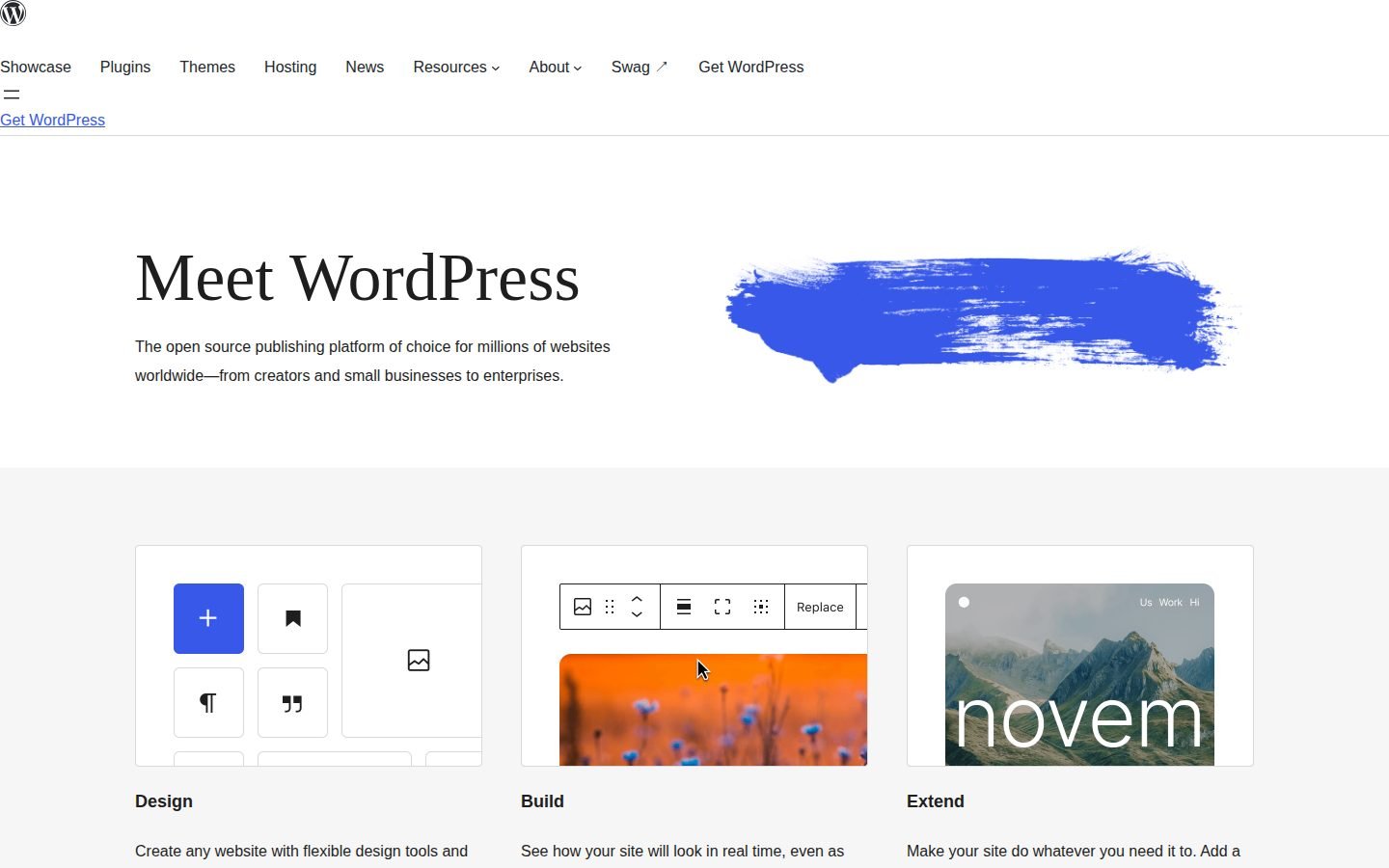
Open source publishing platform for websites.
Choose WordPress if you prefer an open-source platform with an extensive plugin library and want to manage your own hosting and server environment.
Official site Indie alternatives to WordPress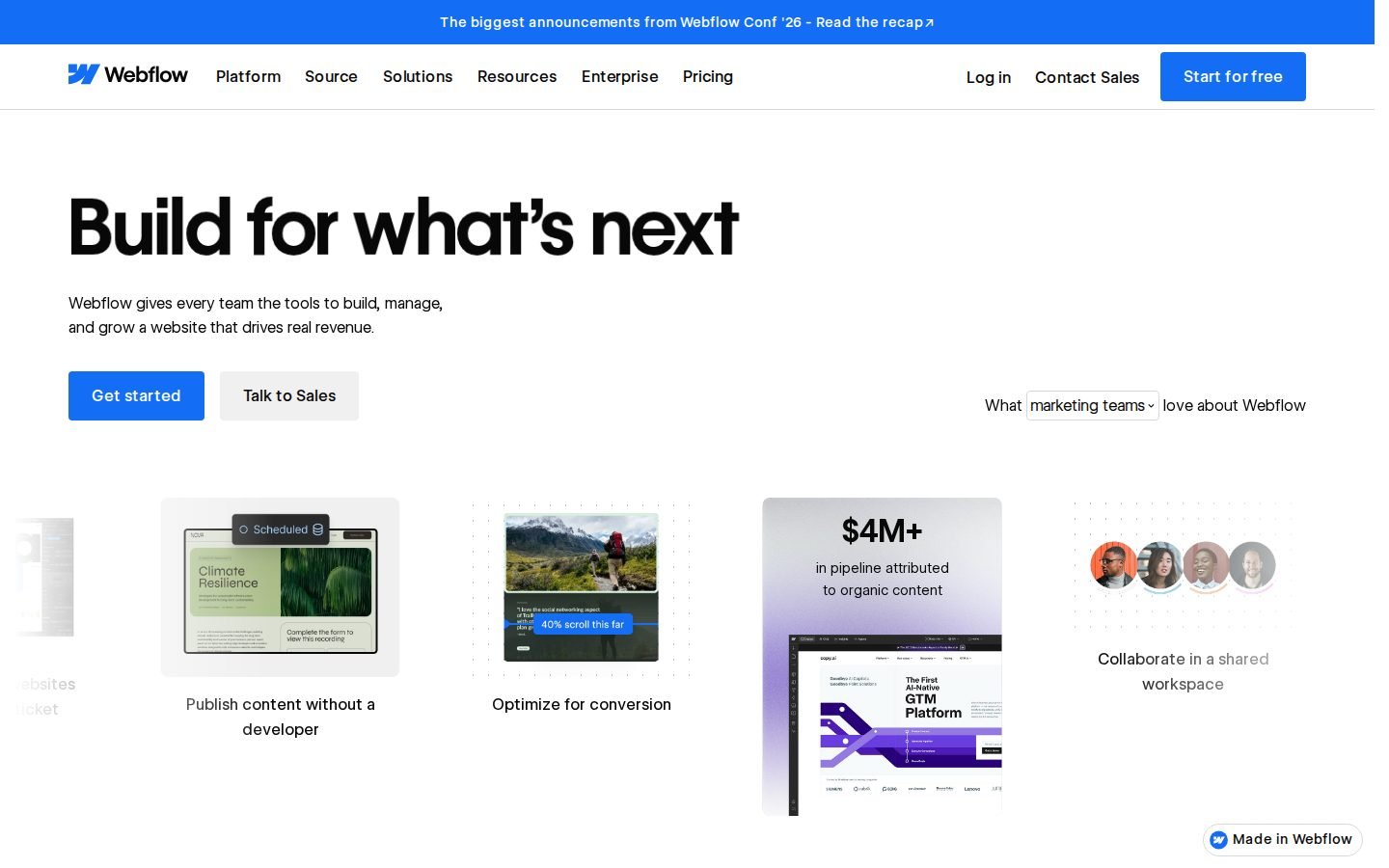
Webflow vs WordPress pricing
| Webflow | WordPress | |
|---|---|---|
| Free plan | Yes | Yes |
| Free trial | Not listed | Not listed |
| Plans |
Starter
Free
Free site builder, 2 static pages, 1 GB bandwidth, 50 form submissions, Webflow.io domain
Basic
$15/mo (billed annually)
Custom domain, 300 static pages, 10 GB bandwidth, Unlimited form submissions, Password protection
Premium
$25/mo (billed annually)
Webflow CMS, Code components, Site search, Form file upload, Up to 2.5 TB bandwidth
Team
$2500/mo (billed annually)
Site & Workspace, Webflow Localize, AEO agents, Publishing workflows, Priority support
Enterprise
Not listed
Enterprise-ready scale, Granular permissions, Custom roles, Advanced governance, Dedicated account manager
|
Not listed on the site |
Prices as shown on each official pricing page when last verified (our servers are in the EU, so some sites show local currency). Check the official site before buying.
Features compared
| Feature | Webflow | WordPress |
|---|---|---|
| Visual site builder | Yes | No |
| Open source | No | Yes |
| Free plan | Yes | Yes |
| Built-in AI tools | Yes | Not listed |
| Plugin library | Not listed | Yes |
| Custom code support | Yes | Not listed |
| A/B testing | Yes | Not listed |
| Headless APIs | Yes | Not listed |
| Real-time preview | Not listed | Yes |
| Site localization | Yes | Not listed |
What Each Platform Is For
Webflow targets marketers, designers, developers, agencies, and enterprise teams looking for an AI-native web marketing platform. It combines visual site building with a composable CMS and optimization tools. Unified marketing and design workflows fit teams that want everything in one place.
WordPress serves creators, small businesses, entrepreneurs, professional developers, and first-time bloggers as an open source publishing platform. It relies on a flexible architecture that adapts to many different site types. Open source flexibility lets users scale from simple blogs to complex enterprise sites.
Features & Capabilities
Webflow includes a visual site builder, Webflow AI, AEO agents, A/B testing, and headless APIs. It also supports custom code, site localization, and page branching workflows. AI-powered optimization tools help teams improve content visibility without leaving the editor.
WordPress features a block editor, real-time site preview, responsive block styling, and a media editor. Users can extend functionality through a plugin library and site editor. Extensive plugin ecosystem allows developers to add almost any feature they need.
User discussions on Hacker News often highlight that Webflow produces clean, exportable code with superior design control. Conversely, some users note that WordPress can generate poor code quality in HTML and relies heavily on third-party plugins. Code quality varies by setup depending on the chosen themes and extensions.
Pricing & Value
Webflow offers a free Starter plan with two static pages and one gigabyte of bandwidth. Paid tiers start at $15 per month, billed annually, and scale up to $2500 per month, billed annually, for team workspaces. Predictable tiered pricing matches specific bandwidth and CMS limits.
WordPress provides a free plan and does not list specific pricing tiers on its site. Users typically cover costs through separate hosting providers and premium plugins. Flexible hosting costs let you pay only for the infrastructure you actually use.
Ease of Use & Community Feedback
Webflow is praised for its visual interface but carries a steep learning curve for new users. The platform integrates with tools like Figma, HubSpot, Claude, and Cursor to streamline workflows. Visual design control requires time to master but rewards users with precise layouts.
WordPress is known for its accessibility to first-time bloggers and developers alike. However, community feedback points out potential security vulnerabilities and plugin dependency risks. Self-managed security gives you control but requires active maintenance.
What users say
Webflow
Summarized from public Hacker News discussions; links go to the original comments.
Indie alternatives to Webflow and WordPress
Smaller tools built by independent makers that cover part of what these two do, often for less.

Ycode
Build websites with AI
Users of Webflow can switch to Ycode to gain full ownership of their code and infrastructure via self-hosting, avoiding platform lock-in and potentially lower long-term costs.
Self-hosted version is free ($0/month). Cloud version starts at $25/month (discounted from $30) with a free trial.

1ClickWebsite.ai
Generate SEO optimized WordPress sites in 1 click.
Web designers and agencies using Webflow for rapid prototyping or client sites might use this as an alternative for generating SEO-focused WordPress sites with less manual design effort.
Plans start at $49/month

Repaint
Build a website by chatting with AI
Users of Webflow who want to skip the manual design and development process can use Repaint's AI agent to generate a full website, including business features like payments and bookings, through natural language conversation.
Plans start at $25/month (Plus), $100/month (Pro), and $200/month (Max). A 14-day free trial is available.

Supaflo
All-in-one creative workspace for building sites, selling products, and growing audiences.
Creators who use Webflow for landing pages and funnels can switch to Supaflo to get built-in payment processing and email automation without needing separate integrations.
Free to get started. Creator plan at $14.99/mo.

1MB
Browser-based code editor and production-ready website hosting.
Users seeking an easy, browser-based way to create and host a blog or simple website without managing server infrastructure or complex CMS configurations can use 1MB as a simpler alternative.
See website for pricing

Contza
Developer-first CMS with visual editing for React websites
Users of WordPress who want to decouple their frontend and backend can use Contza to manage content for static or server-rendered sites without the overhead of a full WordPress installation.
Free Starter plan available; Pro plan is 19€ / month; Business plan is 99€ / month.

Macaly
Your AI developer that ships full-stack apps from a single prompt.
Users looking for Webflow's visual site building and hosting can switch to Macaly to generate and host sites via AI prompts instead of manual design.
See website for pricing
FAQ
Is Webflow cheaper than WordPress?
Webflow offers a free Starter plan and paid tiers starting at $15 per month, billed annually. WordPress does not list pricing on its site, as costs depend on external hosting and plugins.
Does WordPress have a free plan?
Yes, WordPress provides a free plan, though it does not list specific pricing details on its site.
Does Webflow have a free trial?
A free trial is not listed on Webflow's site, but it does offer a free Starter plan.
Can I export code from Webflow?
Yes, Webflow supports custom code support and is noted for producing clean, exportable code.
Is WordPress secure?
Community discussions mention security vulnerabilities and plugin dependency risks, meaning security depends on your hosting and maintenance choices.
This comparison is generated automatically from the official websites and re-verified periodically. Spotted something wrong? Tell me.