
Agent Skills Hub
Find agent skills and inspect MCP tools before setup
Founded by:
cana David
Categories:
Ai agents automation
About
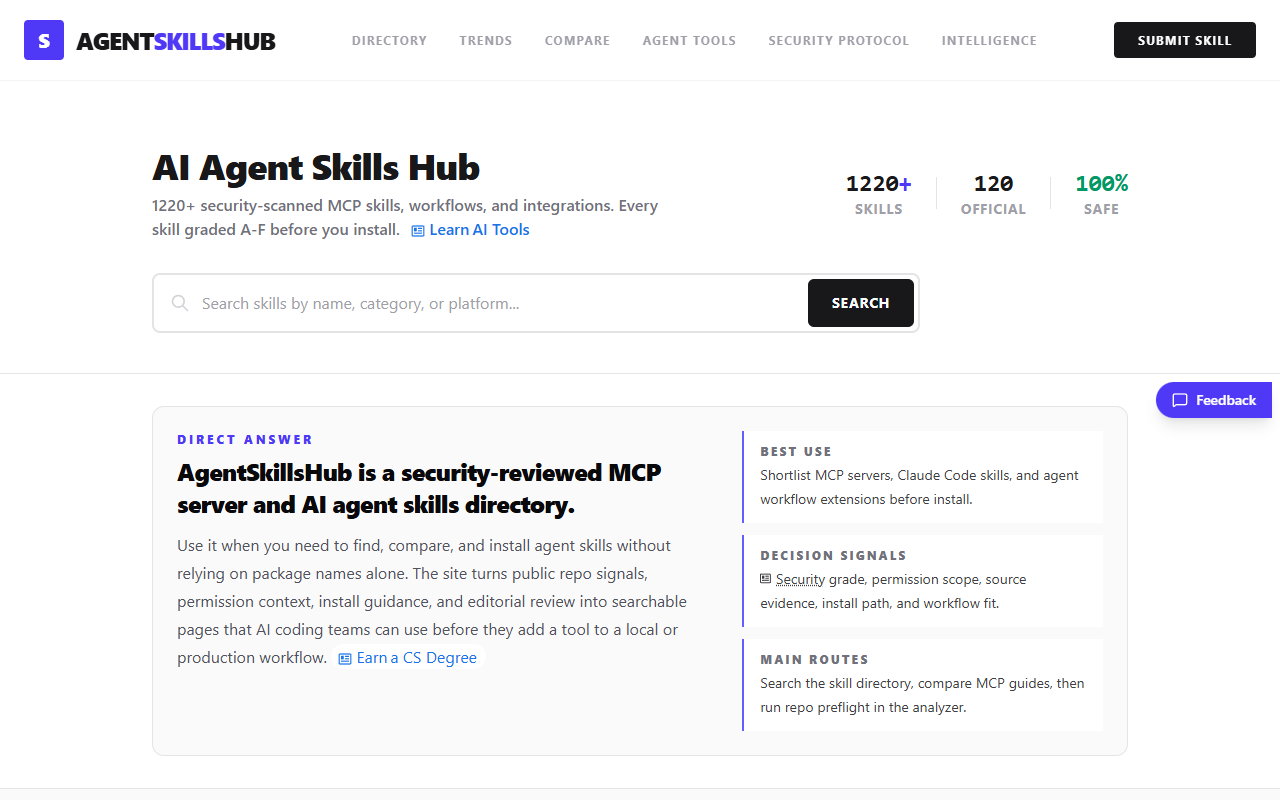
Agent Skills Hub is a directory of skills, MCP servers and workflow extensions for AI agents. It is designed for developers who encounter a package name or a repository link and need more context before deciding whether to install it. Visitors can search the skill directory, browse MCP resources, read comparison guides, and consult the site's security guidance. The product organizes information about tools that connect to agents rather than running those tools on the visitor's behalf.
For a concrete example, consider an assistant that needs access to files in one project. Two similarly named servers may differ in which directories they can read, which commands they can run and which credentials must be supplied. Those differences matter more than the name of the package. The directory's approach draws attention to the source repository, the installation path, the permissions involved and the task the integration is intended to perform. That gives the reader specific questions to resolve in the upstream documentation.
The MCP Apps section describes what a tool does, who maintains it and what workflow category it belongs to. Other sections cover agent tools, comparisons, trends and security. A team might use those pages to assemble a shortlist for an internal evaluation. A developer working alone might use the same pages to find the right repository and understand the setup before deciding whether the extension is worth trying.
The public directory and its guides can be read for free. A security grade or an editorial description is one input to a decision. It cannot establish what a particular version will do in every environment. Before using an extension with real project data, check the selected repository, the version to be installed, the permissions granted and any external services it calls. The practical value of the directory is that the reader can begin that review with an identifiable project and a clear use case.
For a concrete example, consider an assistant that needs access to files in one project. Two similarly named servers may differ in which directories they can read, which commands they can run and which credentials must be supplied. Those differences matter more than the name of the package. The directory's approach draws attention to the source repository, the installation path, the permissions involved and the task the integration is intended to perform. That gives the reader specific questions to resolve in the upstream documentation.
The MCP Apps section describes what a tool does, who maintains it and what workflow category it belongs to. Other sections cover agent tools, comparisons, trends and security. A team might use those pages to assemble a shortlist for an internal evaluation. A developer working alone might use the same pages to find the right repository and understand the setup before deciding whether the extension is worth trying.
The public directory and its guides can be read for free. A security grade or an editorial description is one input to a decision. It cannot establish what a particular version will do in every environment. Before using an extension with real project data, check the selected repository, the version to be installed, the permissions granted and any external services it calls. The practical value of the directory is that the reader can begin that review with an identifiable project and a clear use case.
Key Features
- Agent skills directory
- MCP server and client guides
- Repository and permission references
Pricing
Free public reference; upstream tools set their own terms.
Discover More Indie Products
Find amazing alternatives to big SaaS tools built by indie developers