 vs

Figma vs Sketch: Web Canvas vs Native Mac Toolkit
Figma operates as a browser-based canvas with extensive collaboration and developer handoff features, while Sketch relies on a native macOS app with strong offline capabilities. Web-based collaboration drives Figma, making it ideal for distributed teams. Native Mac performance suits Sketch for designers who prefer local workflows and precise vector control.
Last verified against both official websites on November 17, 2026
Figma
Figma is a full-stack creative canvas for design, prototyping, and development.
Choose Figma if your team needs real-time co-editing and a unified browser environment for design and development.
Official site Indie alternatives to Figma
Sketch
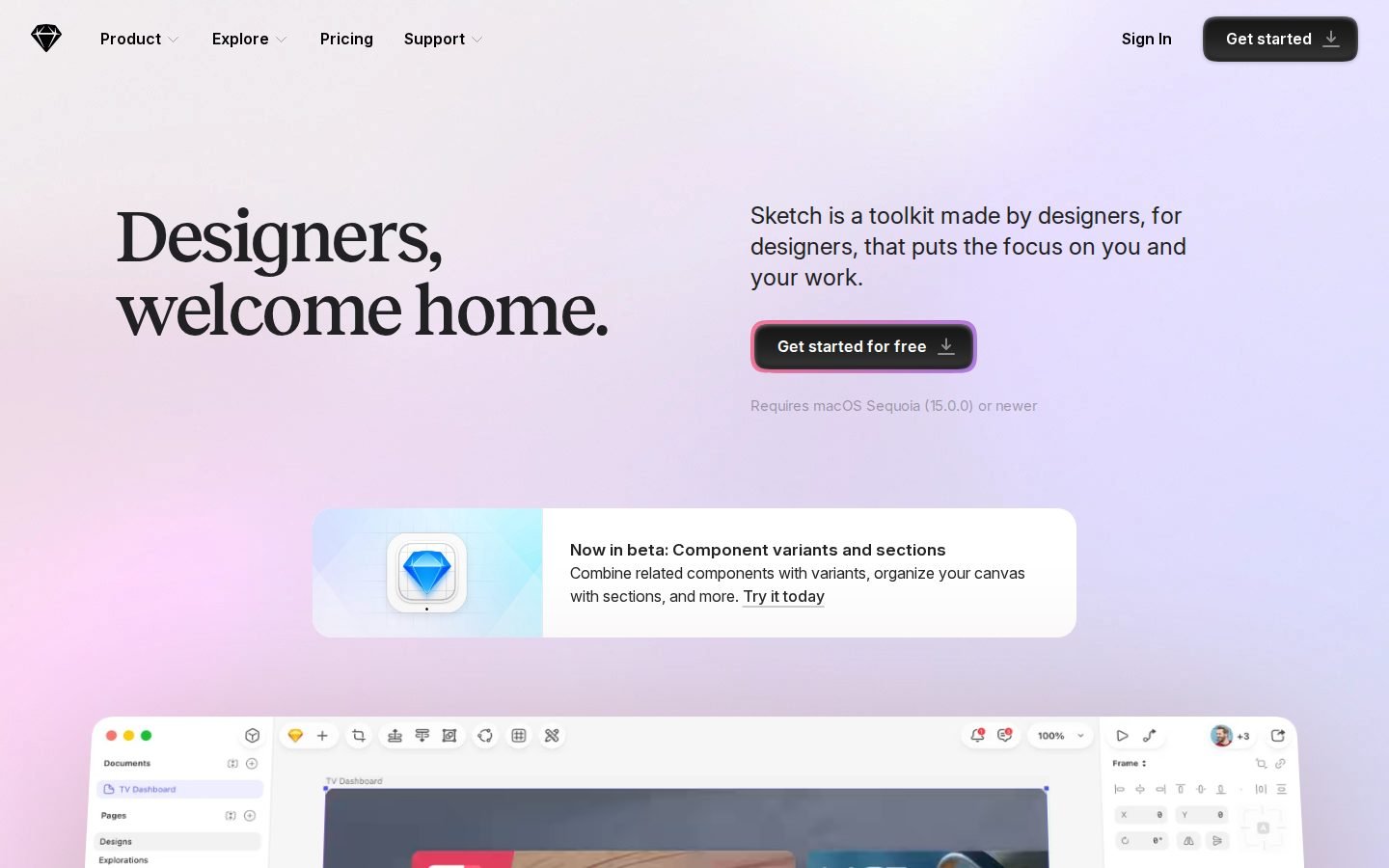
Sketch is a macOS-based design, prototyping, and collaboration toolkit for designers. It offers a native Mac app, a web app for viewing and handoff, and iOS apps for previewing. Key features include vector editing, prototyping with Smart Animate, real-time collaboration, developer handoff, and AI integration via MCP clients.
Choose Sketch if you work primarily on macOS and value offline design capabilities with a dedicated desktop app.
Official site Indie alternatives to Sketch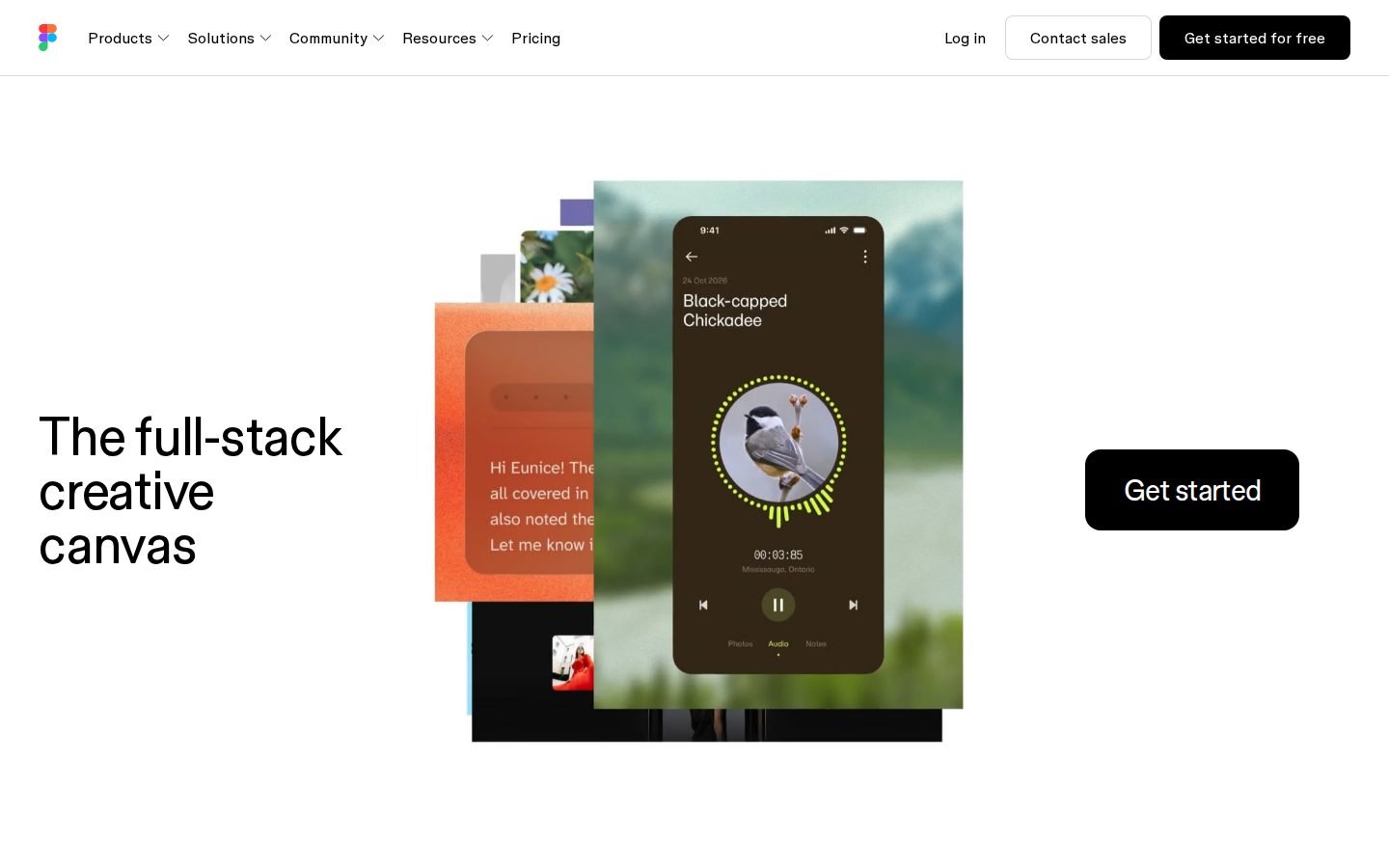
Figma vs Sketch pricing
| Figma | Sketch | |
|---|---|---|
| Free plan | Yes | Not listed |
| Free trial | Not listed | 30 days |
| Plans |
Starter
Free
Free limited access to Figma products
Professional
€16/mo
Full seat
Professional Dev
€12/mo
Dev seat
Professional Collab
€3/mo
Collab seat
Organization
€55/mo (billed annually)
Full seat, Billed annually
Organization Dev
€25/mo (billed annually)
Dev seat, Billed annually
Organization Collab
€5/mo (billed annually)
Collab seat, Billed annually
Enterprise
€90/mo (billed annually)
Full seat, Billed annually
|
Standard
€11/mo (billed annually)
For individuals and small teams
Professional
€22/mo (billed annually)
For growing teams and agencies
Enterprise
€44/mo (billed annually)
For medium to large organizations
Private Cloud
Not listed
For high-security environments
Mac-only license
€108 one-time
Yours to keep, forever. Per seat, includes one year of updates
|
Prices as shown on each official pricing page when last verified (our servers are in the EU, so some sites show local currency). Check the official site before buying.
Features compared
| Feature | Figma | Sketch |
|---|---|---|
| Free plan available | Yes | No |
| Free trial | Not listed | 30 days |
| Platform | Web browser | macOS, Web browser, iOS |
| AI integration | AI workflows with monthly credits | MCP server for AI clients |
| Prototyping | Design and prototype | Smart Animate prototyping |
| Developer handoff | Dev Mode | Web app handoff |
| Offline capability | Not listed | Yes |
| Collaboration | Real-time co-editing | Real-time collaboration |
| Vector editing | Yes | Yes |
| Integrations | Not listed | AWS, Stripe |
Workflow & Platform
Figma runs entirely in the browser, offering a full-stack creative canvas for design, prototyping, and development. Users on Hacker News often highlight its collaborative and iterative design workflow, which keeps everyone on the same page. Browser-based tools enable seamless teamwork.
Sketch provides a native macOS application alongside a web app for viewing and developer handoff, plus iOS apps for previewing. This desktop-first approach means designers can work without an internet connection. Offline design capability supports focused work.
Features & Capabilities
Figma includes design and prototyping tools, AI workflows, Dev Mode, and specialized products like FigJam, Figma Slides, and Figma Sites. The platform also offers structured AI credit limits that scale with your subscription tier. Comprehensive AI credits scale with plans.
Sketch focuses on vector editing, stack layouts, nestable frames, and Smart Animate prototyping. It also provides an MCP server for AI clients, layer styles, and boolean operations. Smart Animate simplifies interactive prototypes.
Pricing & Value
Figma offers a free Starter plan with limited access, while paid seats start at €16 per month for full access. Organization and Enterprise tiers require annual billing at €55 and €90 per month respectively. Free tier allows immediate team onboarding.
Sketch does not provide a free plan but includes a thirty-day trial. Paid subscriptions start at €11 per month, billed annually, with a one-time Mac-only license available for €108. Annual billing reduces monthly subscription costs.
Scope & Developer Handoff
Figma targets designers, engineers, and product managers by bridging the gap between visual design and implementation. Some users note that a gap between design and code implementation can still exist despite Dev Mode. Dev Mode bridges design and code.
Sketch delivers developer handoff through its web app and integrates with AWS and Stripe. It is less suitable for rapid iteration compared to web-based tools, which may slow down fast-paced cycles. Web-based tools enable faster iteration cycles.
What users say
Figma
Sketch
- Less suitable for rapid iteration compared to web-based tools [1]
Summarized from public Hacker News discussions; links go to the original comments.
Indie alternatives to Figma and Sketch
Smaller tools built by independent makers that cover part of what these two do, often for less.
datawirefra.me
Dashboard wireframing built for data professionals.
Users of Figma for general design can switch to datawirefra.me for specialized, low-fidelity dashboard wireframing that includes pre-built BI components and export specs, avoiding the complexity of a full design tool.
Free forever. No trial, no card, no seat count.

Paper
The design canvas your agents can edit
Users of Figma can switch to Paper if they want a design tool that natively integrates with their codebase and AI coding agents, eliminating the drift between design and production.
Free plan available with unlimited viewers and editors. Pro plan is $16/editor/month (yearly billing).

Shuffle
Generate and compare multiple AI website designs from a single prompt.
Users who use Figma for high-fidelity UI design and prototyping can switch to Shuffle to generate and iterate on code-ready layouts directly via AI prompts, bypassing the manual drawing phase.
See website for pricing
Pika
Beautiful screenshots and mockups for marketing
Users who currently use Figma solely for creating quick marketing screenshots and social media mockups can switch to Pika for a faster, template-driven workflow without needing design expertise.
Pro plan is $13/mo billed annually ($150/year) or $15/mo monthly. Team plan is $10/seat/mo. Lifetime plan is $299 one-time.

Premium Favicon
A modern favicon generator, supports extraction from logo
Users who currently design favicons manually in Figma or other design tools can switch to Premium Favicon for an automated, one-click generation of all required file formats.
Free to generate and preview; paid download for the full asset package.
Breadboard
Visual app builder with logic blocks and AI assistance
While Figma is primarily for design, users who want to turn their Figma prototypes into functional, live web apps with logic can use Breadboard as a direct next step for implementation.
Free forever plan available. Standard plan is $15/mo. Pro plan is $59/mo.

sleek.design
Go from idea to beautiful app mockups in minutes by chatting with AI.
Generates mobile app mockups via AI, covering the core prototyping job that Sketch users need, without the complexity of full-scale design tools.
Free plan available, paid tiers from $20/mo.
Figr AI
Product-aware AI that thinks through UX
Users of Figma's native AI features or manual prototyping workflows may switch to Figr for its specialized ability to understand complex product context, map edge cases, and generate designs that strictly adhere to existing design systems and live app states.
Free plan available with 10 monthly credits. Starter plan is $32/month. Max plan is $124/month.
Picify
Create stunning visuals in minutes
Users looking for a simpler, AI-driven alternative to Figma for quick social media graphics and marketing assets without the complexity of vector design tools.
Free forever plan with 10 free AI designs per month.

CatDoes
AI agents build mobile apps and websites for you
Designers using Figma to prototype can switch to CatDoes to turn those prototypes into fully functional, deployed mobile apps and websites without needing a developer handoff.
Plans start at $20/mo. Free plan includes 25 starting credits, fast edit, and web deployment.

Archify
understand software
Users who currently use Figma for creating system architecture diagrams, workflows, or technical documentation can switch to Archify for faster, AI-generated, and code-linked diagrams that are self-contained and easier to maintain in a dev workflow.
See website for pricing
DraftLogo
Generate professional logos in seconds
Users looking for quick, automated logo generation in Figma (often via plugins or manual creation) can switch to DraftLogo for instant, AI-generated results without needing design skills or time.
Credit-based pricing. $0.12 per logo generation. Starter pack includes 40 credits (20 generations) for a one-time fee.
More comparisons
FAQ
Is Figma cheaper than Sketch?
Figma offers a free Starter plan, while Sketch requires a paid subscription starting at €11 per month, billed annually. Figma's paid seats begin at €16 per month, making it the lower-cost entry point.
Does Sketch have a free plan?
No, Sketch does not offer a free plan. It provides a thirty-day free trial instead, and a one-time Mac-only license is available for €108.
Can I use Figma offline?
Offline capability isn't listed on Figma's site, as it operates as a browser-based platform. Sketch explicitly supports offline design capability through its native macOS app.
Which tool is better for developer handoff?
Figma includes a dedicated Dev Mode for engineers, while Sketch provides handoff features through its web app. Both tools target designers and developers, though Figma explicitly lists engineers as a target user.
How do AI credits work in Figma?
Figma allocates monthly AI credits based on your plan: up to 500 for Starter, 3,000 for Professional, 3,500 for Organization, and 4,250 for Enterprise. Sketch does not list specific AI credit limits.
This comparison is generated automatically from the official websites and re-verified periodically. Spotted something wrong? Tell me.