 vs
vs 
Notion vs Obsidian: Cloud Workspace or Local Notes?
Notion operates as a cloud-based workspace built for team collaboration, project management, and integrated AI tools. Obsidian keeps your data local in open Markdown files, prioritizing privacy, speed, and deep personal knowledge management. Choose the cloud platform for shared workflows, or the local app for private, highly customizable note-taking.
Last verified against both official websites on October 1, 2026
Notion
Notion is a workspace platform for teams and individuals, offering knowledge bases, docs, projects, and AI tools.
Choose Notion if you need built-in team collaboration, shared databases, and enterprise-grade security controls.
Official site Indie alternatives to Notion
Obsidian
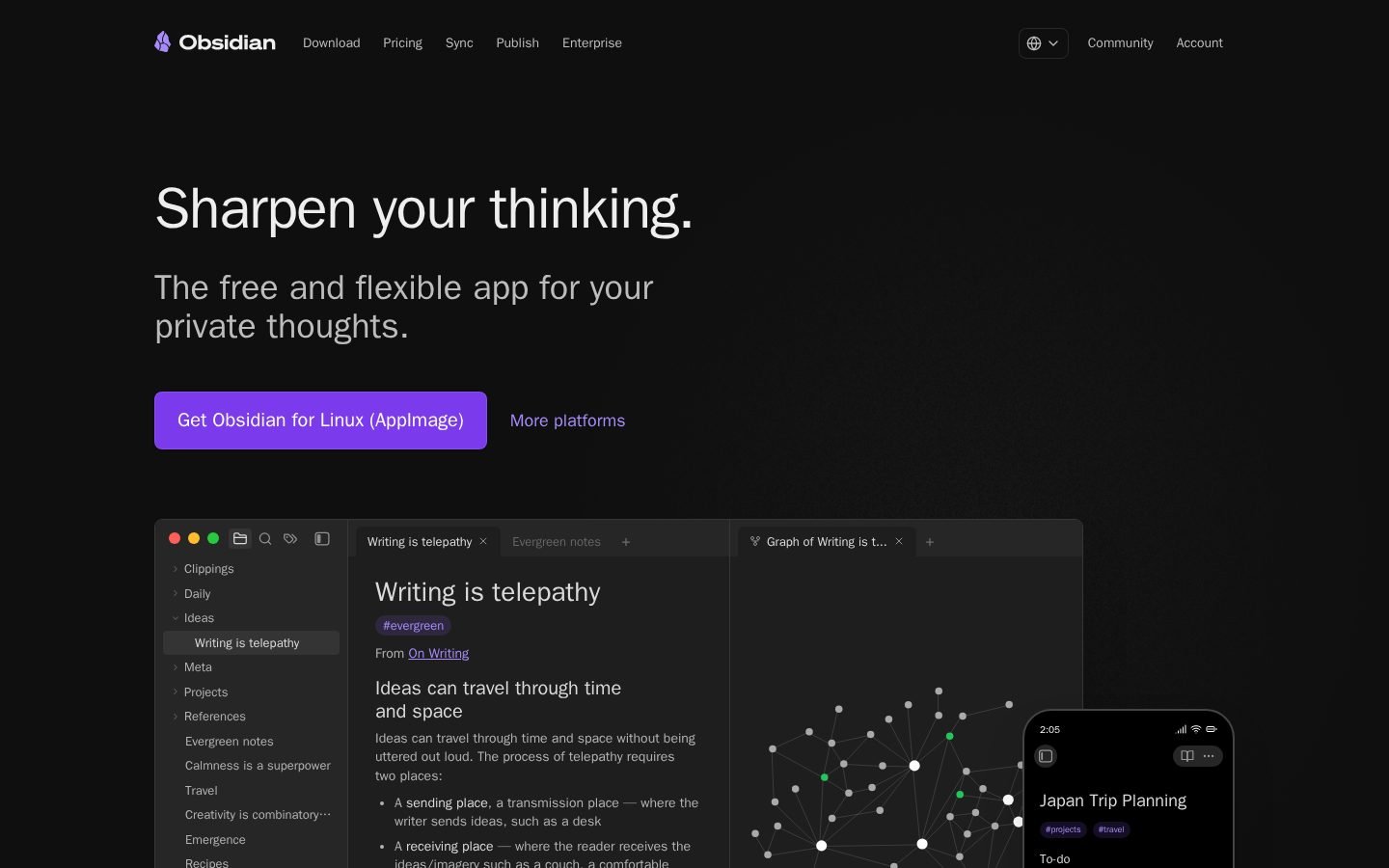
Obsidian is a free, flexible note-taking app that stores data locally in open Markdown formats. It features linking, graph visualization, and an infinite canvas for brainstorming. The core app is free without limits, while optional paid services include Sync (for cross-device synchronization with end-to-end encryption and version history), Publish (for turning notes into websites), and licenses for commercial use or supporting development.
Choose Obsidian if you prefer storing your notes locally, want full control over your data, and value a flexible, plugin-driven ecosystem.
Official site Indie alternatives to Obsidian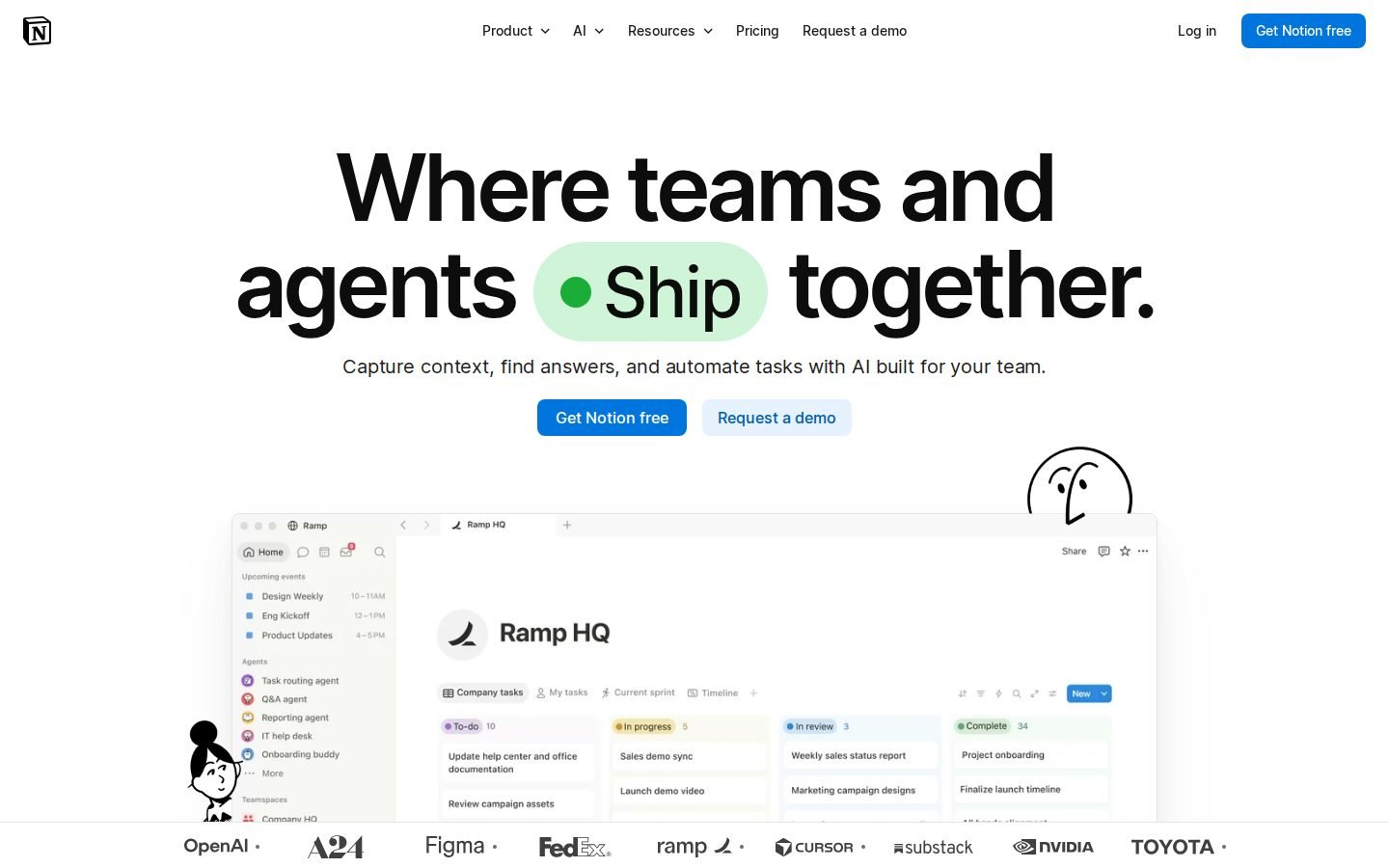
Notion vs Obsidian pricing
| Notion | Obsidian | |
|---|---|---|
| Free plan | Yes | Yes |
| Free trial | Not listed | Not listed |
| Plans |
Free
Free
For individuals to organize personal projects and life.
Plus
€9.50/mo
For small teams and professionals to work together.
Business
€19.50/mo
For growing businesses to streamline teamwork.
Enterprise
Not listed
For organizations to operate with scalability, control, and security.
|
Sync
$4/mo (billed annually)
Sync notes across devices, End-to-end encryption, Version history, Collaborate on shared vaults, Priority support
Sync
$5/mo
Sync notes across devices, End-to-end encryption, Version history, Collaborate on shared vaults, Priority support
Publish
$8/mo (billed annually)
Publish notes to the web, No technical knowledge required, Customizable theme, Graph and full text search, Priority support
Publish
$10/mo
Publish notes to the web, No technical knowledge required, Customizable theme, Graph and full text search, Priority support
Catalyst
$25 one-time
Early access to beta versions, Community badges, Exclusive channels
Commercial
$50/yr
Support development, Become a featured organization
|
Prices as shown on each official pricing page when last verified (our servers are in the EU, so some sites show local currency). Check the official site before buying.
Features compared
| Feature | Notion | Obsidian |
|---|---|---|
| Data Storage | Cloud-based | Local Markdown files |
| Free Plan Availability | Yes (5MB limit) | Yes (unlimited core) |
| Team Collaboration | Yes (built-in) | Optional (Sync add-on) |
| Enterprise SSO | Yes (SAML/SCIM) | Not listed |
| AI Tools | Yes (Meeting notes, agents) | Not listed |
| File Upload Limit (Free) | 5MB | Unlimited |
| Page History (Free) | 7 days | Not listed |
| Pricing Currency | EUR | USD |
Core Approach and Data Storage
Notion stores everything in the cloud, making it easy for multiple users to edit documents and databases simultaneously. This cloud-first design supports shared workspaces but relies on network connectivity for access. Cloud storage enables real-time teamwork.
Obsidian saves notes directly to your device as plain Markdown files, giving you complete ownership of your data. The local-first architecture means the app runs quickly without waiting for server responses. Local files guarantee full data ownership.
Users on Hacker News often note that Obsidian’s offline nature allows for faster performance and easier AI integration, while Notion’s cloud setup can sometimes feel slower due to network round trips. Speed depends on your internet connection.
Collaboration and Team Features
Notion provides robust sharing options, external guest limits, and enterprise tools like SAML SSO and SCIM provisioning out of the box. Small teams and growing businesses frequently use it to centralize projects and knowledge bases. Built-in tools support team workflows.
Obsidian does not include native collaboration, permissions, or sharing features in its core application. Teams that need shared editing must rely on the optional Sync service or third-party plugins. Native collaboration requires paid add-ons.
While Obsidian offers collaborative editing through its Sync service, it lacks the granular permission controls and enterprise search found in Notion. Enterprise features are not natively available.
Customization and Learning Curve
Notion offers a structured environment with databases, AI meeting notes, and custom agents, though some users find the interface increasingly rigid. The platform is designed to be intuitive for non-technical users managing projects. Structured templates ease onboarding.
Obsidian provides an infinite canvas, graph visualization, and a vast plugin ecosystem for deep customization. However, the local-first setup and Markdown syntax create a steeper learning curve for beginners. High customization demands technical comfort.
The trade-off is clear between Notion’s guided workspace and Obsidian’s open-ended note-taking environment. Guided tools versus open flexibility.
What users say
Notion
Summarized from public Hacker News discussions; links go to the original comments.
Indie alternatives to Notion and Obsidian
Smaller tools built by independent makers that cover part of what these two do, often for less.

OneCamp
self-hosted all-in-one workspace (chat, tasks, calls, docs)
The platform combines Notion-like collaborative docs and task boards with communication, allowing teams to consolidate their workspace tools into a single self-hosted application.
Free for up to 25 people. Self-Host Lifetime license is $259 once. OneCamp Cloud Managed is $104/month.

Eztrackr
Eztrackr - Organize your job hunt and say goodbye to spreadsheets
Users who currently manage their job applications in Notion databases or spreadsheets can switch to Eztrackr for a specialized, automated job tracking dashboard with built-in AI resume tools.
See website for pricing

Janus
AI Flashcard Generator
Users who store study materials in Notion can use Janus to automatically convert those notes into spaced-repetition flashcards, eliminating manual transcription.
Pro plan at $7/mo billed annually ($84/year), includes 500 credits monthly.
Comedeez
AI-powered platform for writing jokes, getting feedback, and performing live.
Comedians currently use Notion as a general-purpose 'Joke Book' to organize their material, but Comedeez offers a specialized, dedicated workspace with integrated AI writing tools and community features specifically for that use case.
Free plan available with unlimited joke storage and 3 daily AI uses. Premium plan is $10/month for unlimited AI uses and meme creations.

Notis
An AI assistant that works across your apps via messaging.
Users who manually update Notion databases or create pages can switch to Notis to automate these updates via voice notes or messages, acting as an active agent rather than just a storage tool.
See website for pricing
ThinkMate
ThinkMate - Your Personal Brainstorming Partner
Users looking to offload the initial 'blank page' phase of content creation or project planning can use ThinkMate to generate ideas and structure thoughts before moving them into Notion.
Free plan includes 10 messages per month. Advanced plan is €10 per month for unlimited messages and priority support.

Let's Trip AI
AI trip planner with price alerts
Users who manually build travel itineraries in Notion can switch to Let's Trip AI for an automated, AI-generated day-by-day plan with integrated maps and local insights.
Free plan includes 3 itineraries and free trials for trackers. Premium plan is ~$5/month or ~$50/year.
FAQ
Is Notion cheaper than Obsidian?
Notion’s Plus plan costs €9.50 per month, while Obsidian’s core app is free and its Sync service starts at $4 per month billed annually.
Does Obsidian have a free plan?
Yes, the core application is completely free with no file or note limits, though collaboration and sync require paid add-ons.
Can I use Notion for enterprise security?
Yes, the Enterprise plan offers SAML SSO, SCIM user provisioning, and unlimited page history for scalable operations.
Does Notion support offline editing?
Offline access isn’t listed on Notion’s site, as the platform is designed around cloud connectivity.
Is Obsidian’s Sync service end-to-end encrypted?
Yes, the Sync add-on provides end-to-end encryption, version history, and priority support for cross-device synchronization.
This comparison is generated automatically from the official websites and re-verified periodically. Spotted something wrong? Tell me.